This page shows how to use the site: paste a headline into the Headline Lab, read the flags, then check the story. Found a problem? Report it on the contact page.
Paste a headline
Start on the home page and paste a headline. The Headline Lab textarea sits under the intro text; typing or pasting updates a character count, a word count and a score dial from 0 (straight news) to 100 (pure clickbait) as you type.
Three example buttons above the textarea — Curiosity gap, Loaded question, Straight news — load a sample headline so first-time visitors can see the tool work before typing their own.
Read the flags
Table of tricks the lab flags, each with a sample and a calmer way to say it.
| Trick | Sample | Calmer version |
|---|---|---|
| Curiosity gap | “You won’t believe this” | State the fact directly |
| All caps | “SHOCKING new rule” | Plain case |
| Loaded words | “Slams”, “destroys”, “stunned” | Name what actually happened |
| Question headline | “Is this the end of…?” | Answer the question in the headline |
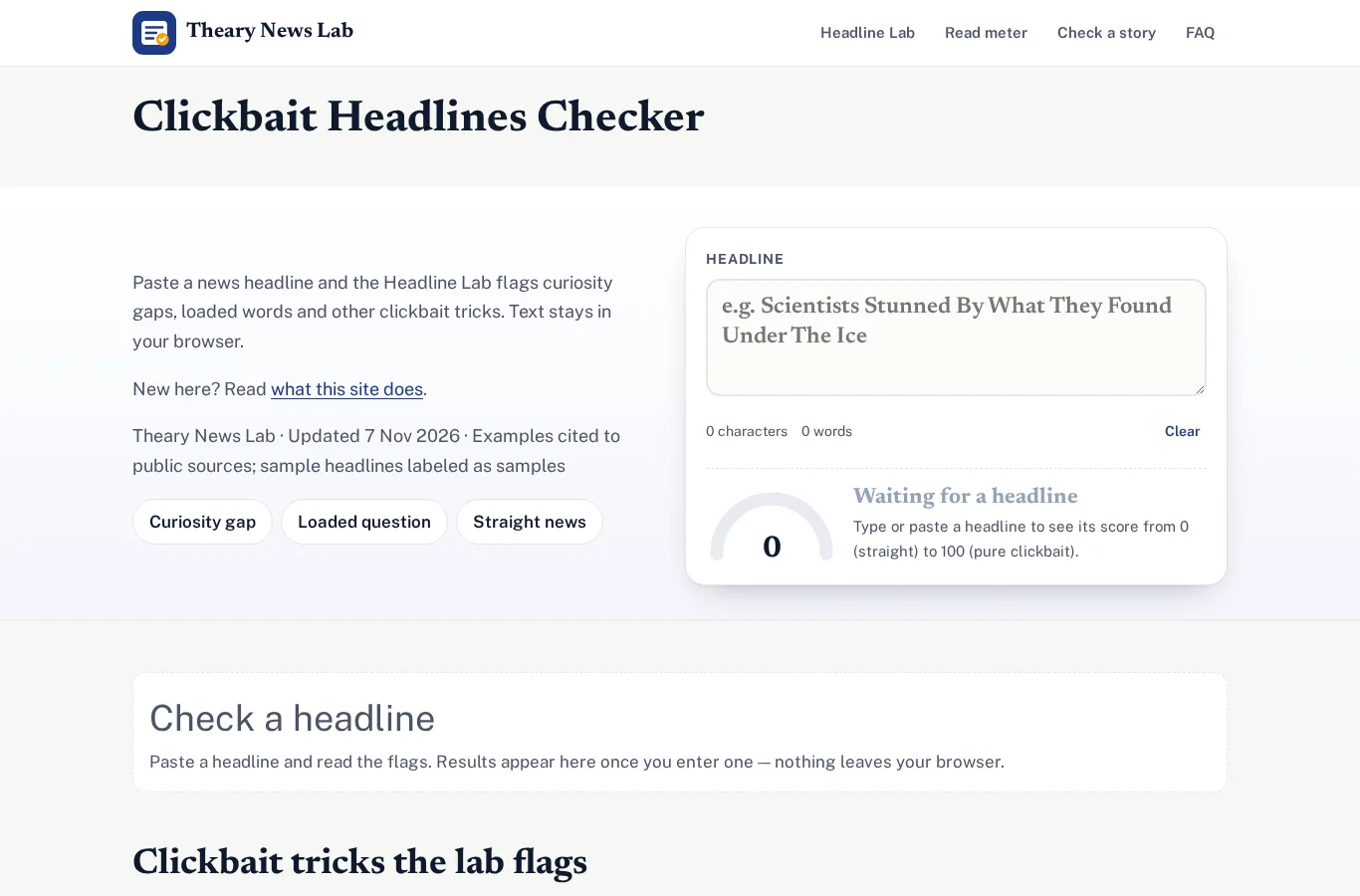
Pasting a headline that matches a trick highlights it in the text below the textarea and shows a calmer rewrite suggestion next to the result.
Use the read meter
A separate reading-time meter is not live on the home page yet; the fastest check available right now is the four-step routine under “Check a story” on the home page. Stop before reacting, check who published the piece, look for other coverage of the same claim, then trace quotes or images back to where they first appeared.
Some characters or symbols a headline uses can show as boxes on older devices or get stripped by an app; paste the headline where it will actually be used and check it before saving or sharing.
Return to the Theary News Lab home page to try the Headline Lab.
Theary News Lab · Updated 24 Nov 2026.
Was this page helpful?
One tap tells us what to explain better.
Thanks for your feedback!